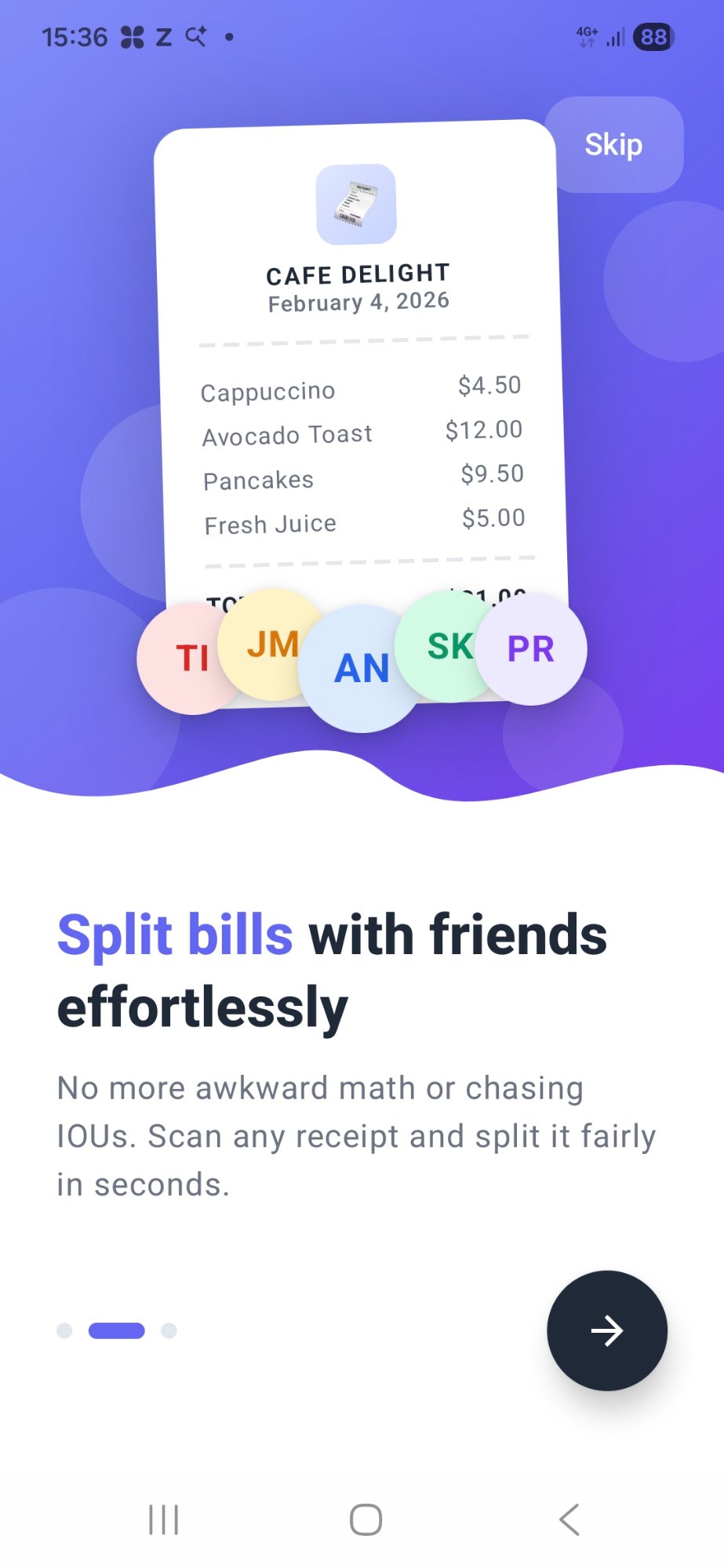
Split bills with friends effortlessly

No more awkward math or chasing IOUs. Scan any receipt and split it fairly in seconds with our AI-powered app.
SplitEven App Screenshot SplitEven App Screenshot

Why Choose SplitEven?

The smartest way to split bills with friends and family. Fast, fair, and hassle-free.

📷

AI-Powered Scanning

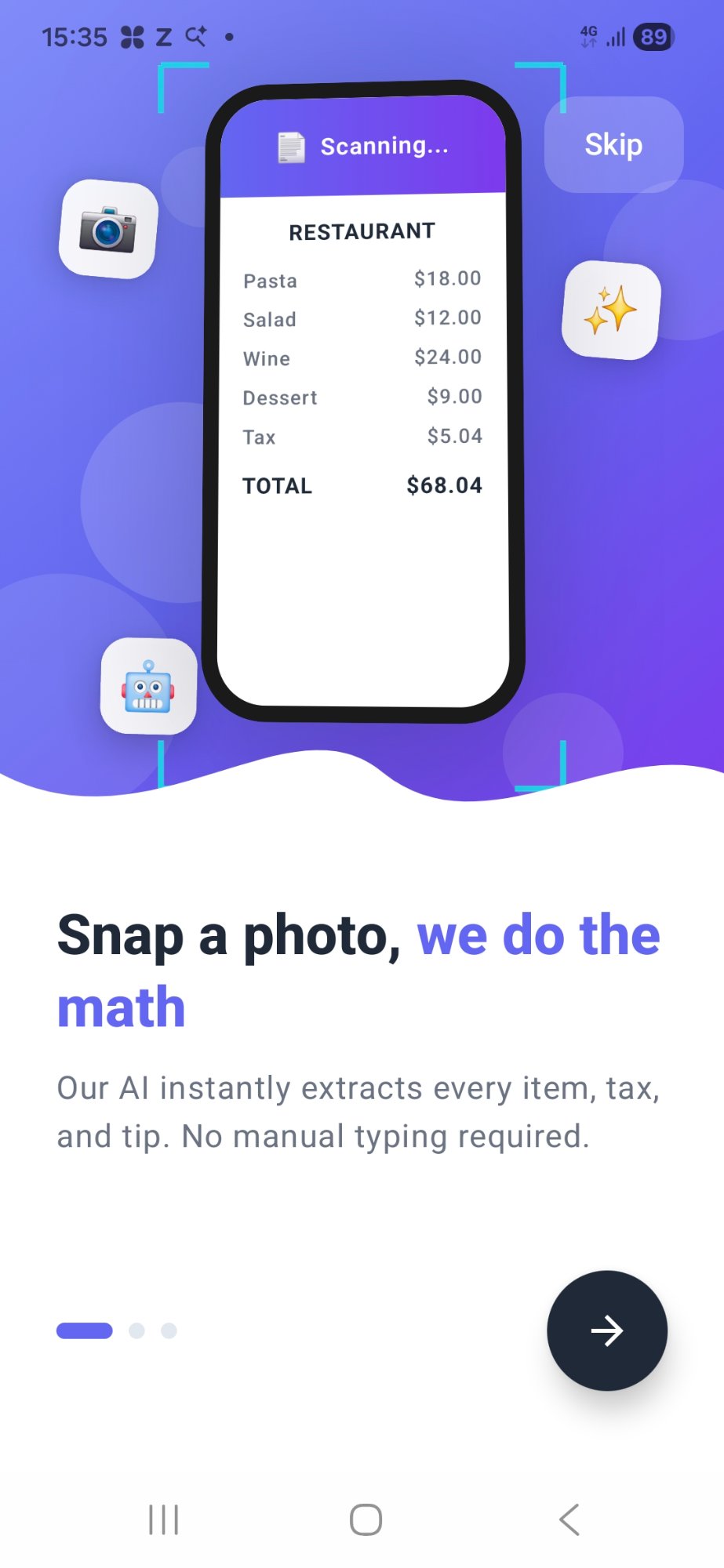
Just snap a photo of your receipt. Our AI instantly extracts every item, tax, and tip automatically.

👥

Easy Assignment

Tap to assign items to friends. Split shared items equally or let each person pay for what they had.

📊

Fair Calculations

Tax and tip are split proportionally based on what each person ordered. No more overpaying!

Lightning Fast

Split any bill in under 60 seconds. No manual entry required – we do all the math for you.

📤

Share & Settle Easily

Instantly share itemized splits with friends so everyone knows exactly what to pay.

🧾

Receipt History

Your receipts are securely saved. View your past splits anytime in the app.

How It Works

Split any bill in 4 simple steps

1

Scan Receipt

Take a photo or upload an image of your receipt

2

Add Friends

Select who's splitting the bill with you

3

Assign Items

Tap to assign items to each person

4

Share Split

Send each person their share amount

📱 App Demo

Watch SplitEven in Action

See how effortlessly you can scan a receipt and split it with friends in under 60 seconds.

Tap to play

Scan in seconds

Point your camera at any receipt and our AI extracts every item, tax, and tip automatically.

🎯

Assign with a tap

Tap items to assign them to the right person — shared items split proportionally.

📊

Fair every time

Tax and tip are distributed based on what each person ordered. No more rounding guesswork.

📤

Share instantly

Send each person their itemized breakdown via WhatsApp, iMessage, or any app.

Coming to iOS

SplitEven is Coming to iOS

Be the first to know when we launch on the App Store. Join the waitlist and we'll notify you the moment it's live.

🔒 No spam, ever. We'll only notify you when SplitEven launches on iOS — or when a beta spot opens if you opted in. That's it.

You're on the list!

We'll reach out the moment SplitEven hits the App Store. 🎉

Ready to Split Smarter?

Download SplitEven now and never do awkward bill math again.

Frequently Asked Questions

Find answers to common questions about SplitEven

SplitEven makes splitting bills easy in just a few steps: Take a photo of your receipt, and our AI automatically reads all the items and prices. Then add the friends who are splitting the bill, tap to assign items to each person, and SplitEven calculates exactly what everyone owes including their fair share of tax and tip.
Yes! SplitEven is free to download and use. You can scan receipts and split bills without any subscription or payment required. We may offer optional premium features in the future, but the core bill-splitting functionality will always be free.
SplitEven works with most printed receipts from restaurants, cafes, bars, and retail stores. For best results, make sure the receipt is flat, well-lit, and the text is clearly visible. The app supports receipts in multiple languages and currencies.
Tax and tip are split proportionally based on the total of items each person is paying for. For example, if you ordered $30 worth of food and your friend ordered $20, you would pay 60% of the tax and tip while your friend pays 40%. This ensures everyone pays their fair share.
Absolutely! If multiple people shared an item (like a pizza or appetizer), you can assign that item to all the people who shared it. The cost will be divided equally among them automatically.
Yes! Once you've scanned a receipt, you can assign items and calculate splits without an internet connection. This is perfect for when you're at a restaurant with poor cell service.
Yes, you can easily edit any item name, price, or quantity after scanning. You can also add items manually if something was missed. We want to make sure your split is always accurate.
After calculating the split, you can share each person's total via text message, email, WhatsApp, or any other messaging app on your phone. The shared message includes a clear breakdown of what they owe.
Your privacy is our priority. Receipt images are processed on your device and are not stored on our servers. We don't collect, sell, or share your personal information. Please see our Privacy Policy for complete details.
We're happy to help! Visit our Support page to send us a message and we'll get back to you as soon as possible. You can also email us directly at bitbox.apps.contact@gmail.com

Privacy Policy

Last updated: February 2026

Our Commitment to Your Privacy

At SplitEven, we believe your personal information belongs to you. We've designed our app to be simple and transparent, collecting only the information needed to help you split bills effortlessly with your friends.

Information We Collect

Information You Provide

  • Friend Names: When you add friends to a split, we save their names so you can find them easily next time.
  • Receipt Photos: When you scan a receipt, the image is sent to our secure servers to allow our AI to read the items and prices for you.
  • Contact Info: If you send us a message through our Support Center, we keep a record of your email to help solve your issue.

Information Collected Automatically

  • Unique ID: We use a secure, anonymous ID (via Firebase) to keep your receipt history organised just for you.
  • Usage Data: We look at basic, anonymous info (like which buttons are clicked most) to help make the app better.
  • Crash Reports: If the app stops working, we get a technical report so we can fix the bug.

How We Use Your Information

We use your data to make bill splitting fast and fair:

  • To turn your receipt photos into an itemised list using our AI.
  • To show you your past split history when you use the app.
  • To calculate the exact tax and tip for each person in your group.

Our Privacy Promise

We will never:

  • Sell your personal information to anyone.
  • Share your private receipts with other people.
  • Read your private messages when you share a split summary.
  • Track your physical location.

Advertising

To keep the core features of SplitEven free for everyone, we show ads using Google AdMob. You may see full-screen ads that appear occasionally after a split is completed, or optional rewarded ads you can choose to watch to earn extra receipt scans. These ad services may use an anonymous ID from your device to show relevant ads, but SplitEven does not share your receipt data or friend lists with advertisers.

Data Storage & Security

Your friends list and app preferences are stored locally on your device. Receipt images are sent to our secure servers for AI processing but are not shared with third parties for marketing. If you uninstall the app, your local history will be deleted and cannot be recovered.

Changes to This Policy

We may update this Privacy Policy from time to time. When we make significant changes, we'll notify you through the app. We encourage you to review this policy periodically.

Contact Us

If you have any questions about this Privacy Policy or our privacy practices, please contact us at:

Email: bitbox.apps.contact@gmail.com

We take your privacy seriously and will respond to your inquiries promptly.

SplitEven on Product Hunt